
Website Accessibility 101: Creating a Better Experience for Everybody
Potential customers will engage with your company through your website. If the consumers of your website cannot see your content, navigate your menu, interpret your photos, or fill out a form due to a barrier to accessibility, then they may have difficulty connecting with your business.
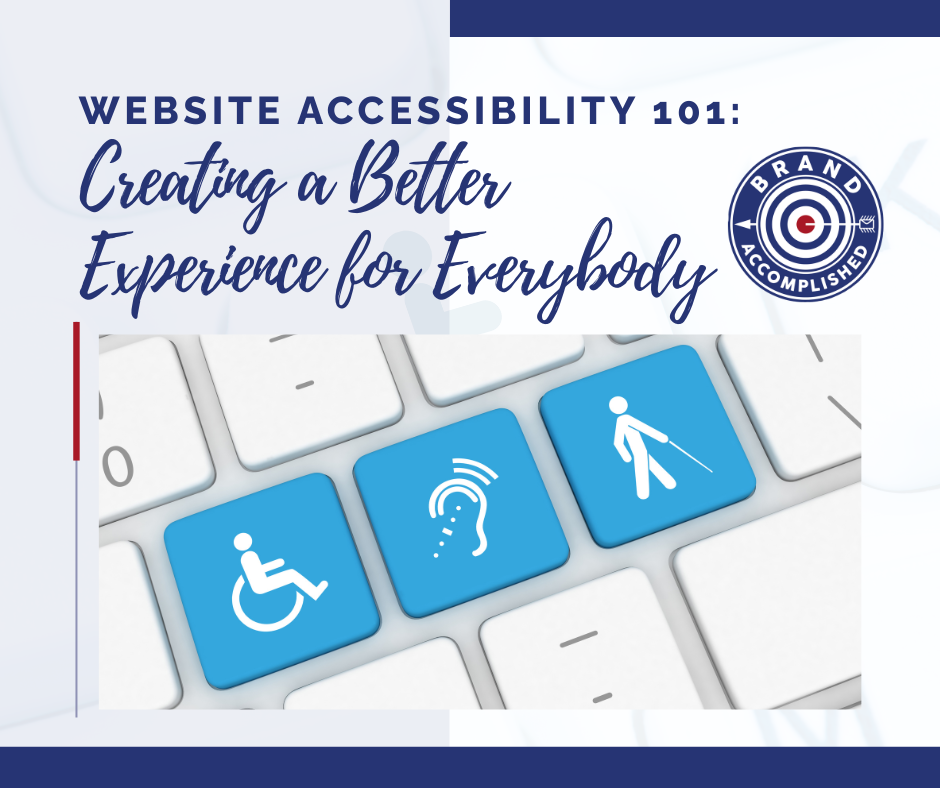
Website accessibility means designing websites so that people with different abilities can access, understand, navigate,& interact with your website. Accessibility is more than a technical issue; it represents the chance to develop a better user experience and welcome a broader customer base into your brand.
POST SUMMARY
What is Web Accessibility?
Website accessibility makes it easier for everyone to use your website, regardless of their abilities, devices, or assistive technologies. Features like readable text, clear navigation, descriptive links, and keyboard-friendly controls help visitors find information and complete tasks with ease.
Why Does Accessibility Matter to My Business?
- Improves User Experience
Clear content and easy navigation help visitors use your website with less frustration and create a better impression of your brand. - Expands Your Audience
Removing accessibility barriers allows more people, including those with disabilities or temporary limitations, to use your website. - Supports SEO
Clear headings, descriptive links, and well-organized content improve usability and help search engines understand your website. - Builds Trust and Reduces Risk
An inclusive website shows you value your audience. Following accessibility guidelines can help identify barriers and support compliance with applicable regulations. Accessibility is an ongoing process, not a one-time fix.
Four Fundamental Principles of Accessibility
The Web Content Accessibility Guidelines (WCAG), developed by the W3C, are based on four principles:
- Perceivable: Make content accessible with alt text, captions, good contrast, and clear labels.
- Operable: Ensure visitors can navigate your website using a keyboard, with visible focus and no harmful flashing content.
- Understandable: Use clear language, consistent navigation, and helpful instructions and error messages.
- Robust: Ensure your website works across browsers, devices, and assistive technologies.
7 Practical Methods for Increasing Accessibility of Your Website
You do not need to redesign your entire website at once. Start with common barriers and improve them consistently..
- Improve Color Contrast
Meet WCAG 2.2 AA contrast ratios: 4.5:1 for standard text and 3:1 for large text. - Add Meaningful Alt Text
Describe informative images clearly and hide decorative images from screen readers. - Enable Keyboard Navigation
Ensure all interactive elements work with a keyboard and have visible focus indicators. - Use Clear Headings
Organize content with a logical heading structure to improve readability and navigation. - Simplify Forms
Provide clear labels, instructions, and helpful error messages. - Include Captions and Transcripts
Make audio and video content accessible with captions, transcripts where appropriate, and playback controls. - Test Website Accessibility
Combine automated tools with manual testing and feedback from users with disabilities
Website Accessibility Checklist
- Sufficient color contrast
- Descriptive alt text for informative images
- Captions for videos with audio
- Keyboard-accessible navigation and visible focus
- Clear headings and links
- Labeled forms with helpful error messages
- Mobile-friendly content that supports resizing
- Automated and manual accessibility testing
This checklist is a starting point, not a guarantee of WCAG compliance or legal compliance.
Common Accessibility Mistakes to Avoid
- Relying Only on Automated Tools: Combine automated scans with manual testing.
- Depending on Accessibility Overlays: Fix underlying website issues instead.
- Using Poor Alt Text: Describe an image's purpose, not its filename.
- Ignoring Mobile Users: Make your website accessible across devices.
- Treating Accessibility as a One-Time Task: Check regularly for new barriers.
KEY TAKEAWAYS
- Put People First: Consider different user needs and abilities.
- Follow WCAG: Use recognized accessibility guidelines.
- Fix the Basics: Improve contrast, navigation, images, forms, and keyboard access.
- Test Regularly: Use automated tools, manual testing, and user feedback.
- Keep Improving: Include accessibility in routine website maintenance.
By focusing on accessibility, usability, and user-centered design, businesses can create websites that better serve their audiences while building a stronger online presence.
Build a Website That Works for Everyone
In today’s digital landscape, creating an accessible, user-centered website can help your business reach a wider audience, improve the user experience, and leave a lasting impression on your brand. By prioritizing inclusive web design and effective digital strategies, you can create a website that meets diverse user needs while supporting your business goals.
Ready to create a website that makes a difference? Contact us today at
katie@brandaccomplished.com to discover how user-centered digital strategies can help your brand stand out and deliver a better online experience for everyone.